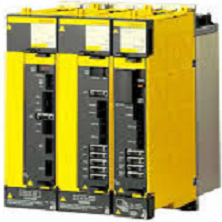



CompactFlash Card for Fanuc i Series Controls
|
Fanuc Series 16i, 18i, 21i, 0i, 30i, 31i, 32i controls are
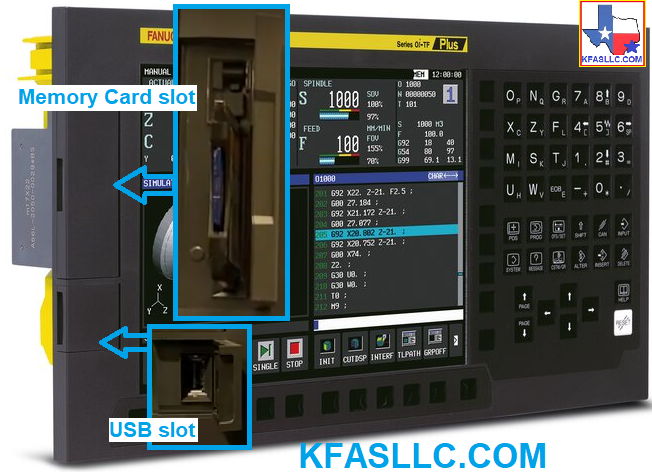
equipped with the memory card slot next to the LCD
display. This card slot can be used to transfer data to and from the CNC controller as well as perform SRAM Data backup (entire contents of the control's SRAM memory). It is also possible to download (and upload) and individual data such as CNC/ PMC Parameters, Part Programs, Tool offsets etc. |
|
There are several manufacturers of CompactFlash
Memory card. However, We have seen some compatibility issues with some cards.
In general, we found SanDisk products to work well with Fanuc
16i/18i/21i (especially the earlier versions of i-series controls). |
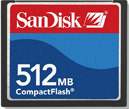
SanDisk CompactFlash Card 512MB SDCFB-512-A10
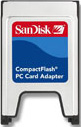
SanDisk CompactFlash PC Card Adaptor SDAD-38-A10
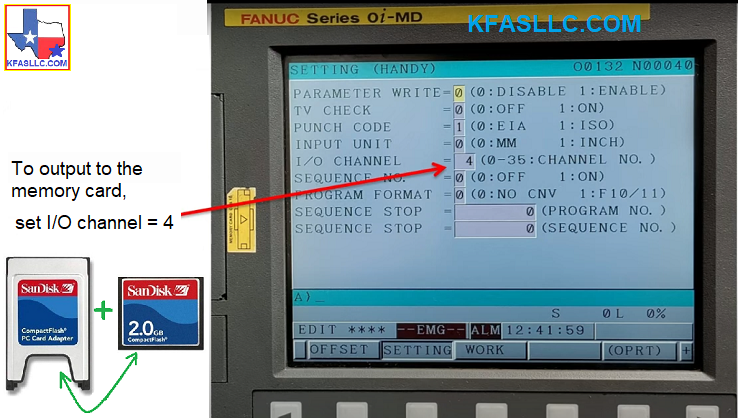
To output data to a CF Memory Card, set I/O channel = 4
To Select the M-Card as the I/O device, select MDI Mode
- Press OFFSET/ SETTING key;
- Press SETTING soft key;
- Turn on PWE (by setting PARAMETER WRITE ENABLE to a 1 the press INPUT);
*
Parameter write enable alarm will appear. Hold "Reset" then
"Cancel" keys to clear the alarm.
- Cursor down to I/O CHANNEL;
- Type "4" and press INPUT (to select the M-Card).
Fanuc 0iD, 0iF, 31iA and 31iB controls are also equipped with a USB memory slot which can be used for a transferring programs and backing up control data.
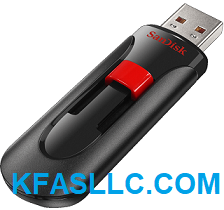
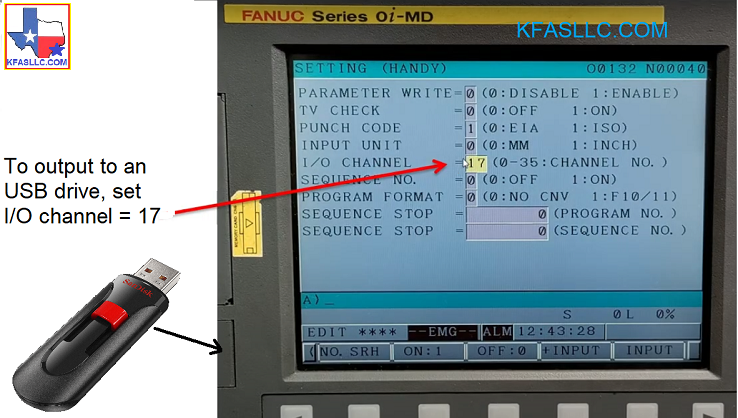
To output data to an USB memory, set I/O channel = 17
To Select the USB as the I/O device, select MDI Mode
- Press OFFSET/ SETTING key;
- Press SETTING soft key;
- Turn on PWE (by setting PARAMETER WRITE ENABLE to a 1 the press INPUT);
*
Parameter write enable alarm will appear. Hold "Reset" then
"Cancel" keys to clear the alarm.
- Cursor down to I/O CHANNEL;
- Type "17" and press INPUT (to select the USB).